Case Study

Near-miss reporting scaled across automated machining lines

An automotive component manufacturer replaced manual near-miss reporting, siloed observations, and inconsistent audit closure tracking with mobile capture, enterprise safety alerts, and centralised governance.

resources-about-oqsha-feature-icon-1
Multi-plant
resources-about-oqsha-feature-icon-2
Heavy equipment
resources-about-oqsha-feature-icon-3
6 min read
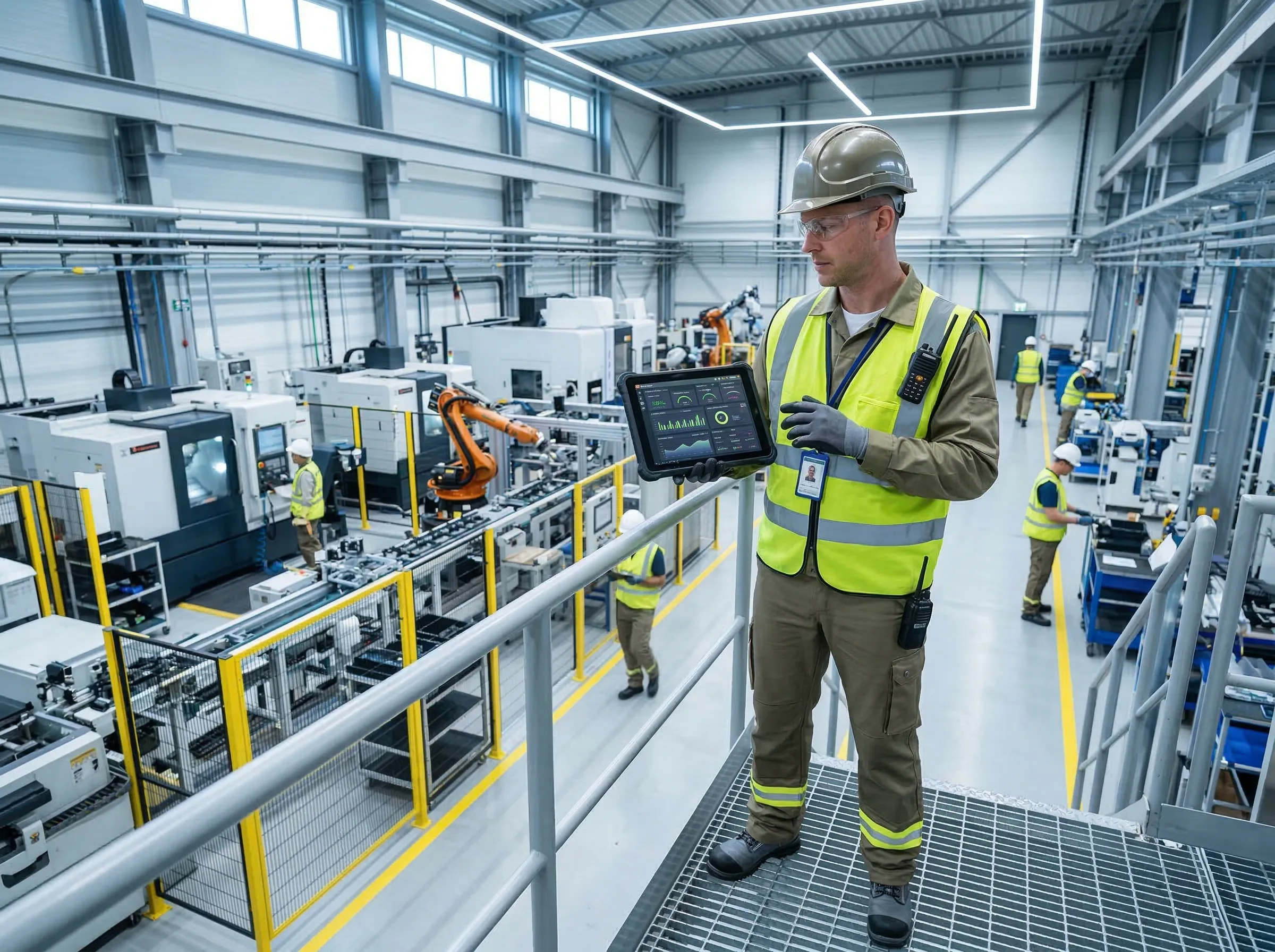
Factory Worker with Tablet

Client Highlights

Check Icon Modules: Incident Management, Walkthrough Inspection, Enterprise Safety Alerts
Check Icon Use Case: Near-miss culture + cross-plant learning + consistent closure
Check Icon Outcome: Higher near-miss volume + lower incident rate + fewer repeats

Executive Summary

The Problem

  • Behaviour observations existed but not analysed
  • Near-miss reporting was weak
  • Safety alerts and lessons learned weren’t shared

What Changed

  • Integrated BBS + incidents + walkthrough inspections
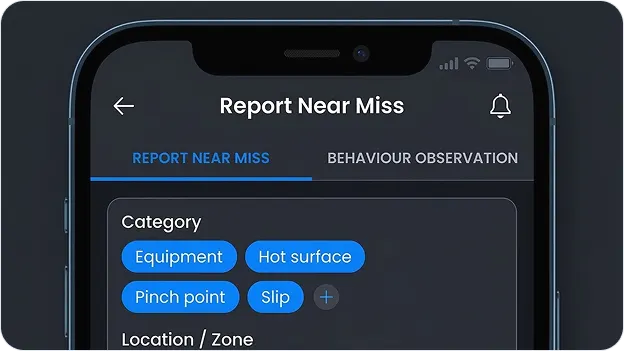
  • Mobile near-miss capture to remove reporting friction
  • Enterprise safety alert broadcasting + recommendation distribution

What Improved

  • 72% increase in near-miss reporting volume
  • 36% reduction in recordable incident rate
  • 49% faster incident investigation completion time

The Challenge

1
Weak near-miss culture: Reporting friction meant fewer signals from the floor.
2
Siloed observations: Behaviour observations were captured but not used to drive action consistently.
3
Cross-plant learning gaps: Alerts and lessons didn’t travel reliably between locations.
4
Inconsistent closure: Audit findings tracked locally made closure discipline uneven.

Context & Constraints

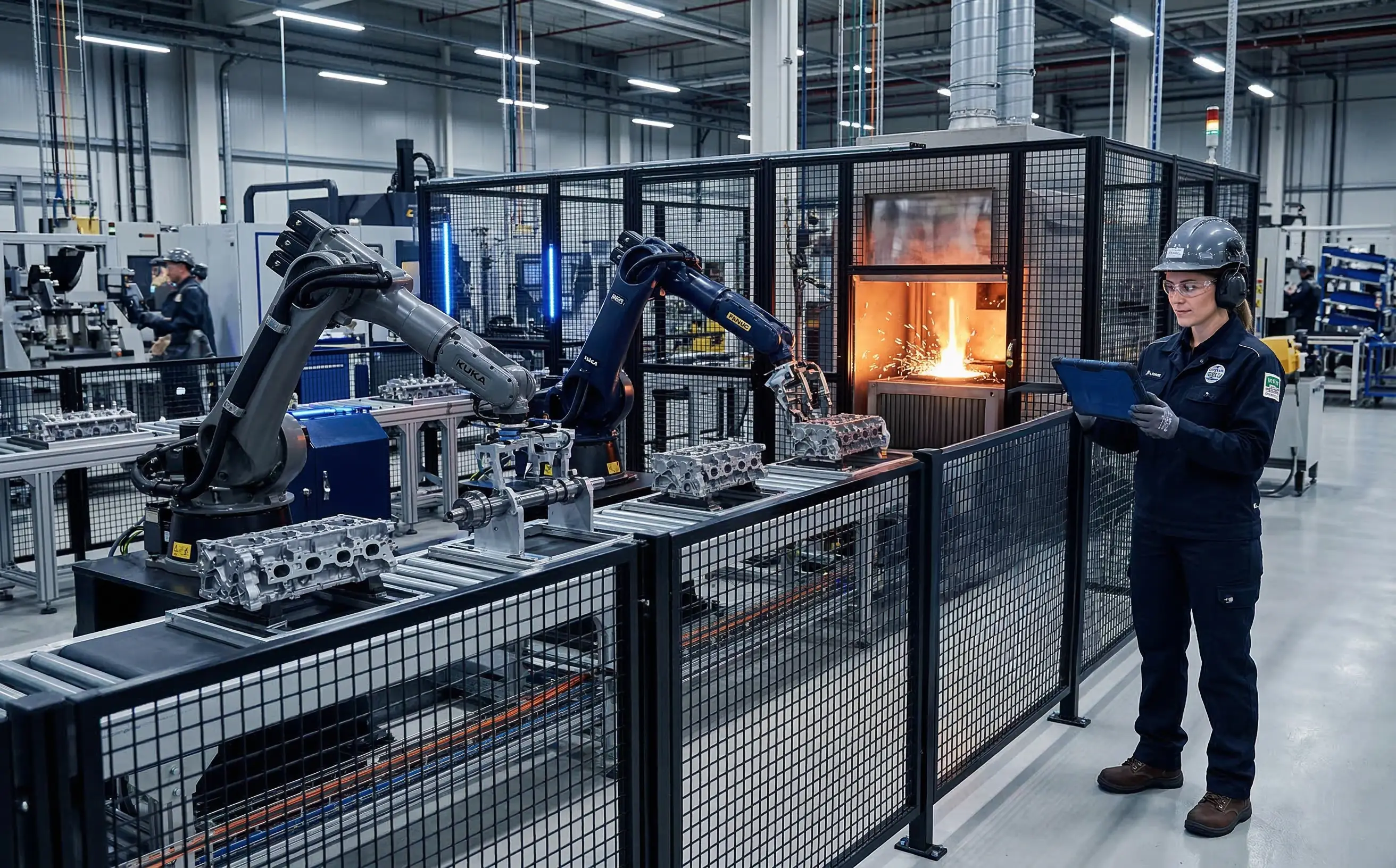
Operating environment Automated machining
Process risk High
Standardisation need Cross-plant consistency
Mobile adoption For low-friction reporting

What We Implemented

Deploying a standardized, integrated safety environment across all active operational sites.

cs-what-we-implemented-icon

Behaviour Observations + Near Miss

Configured for: More signals from the floor, captured fast and routed correctly.

Key Workflow Controls

  • Check Icon One-tap near-miss capture with guided categories
  • Check Icon Behaviour observation templates with frequency targets
  • Check Icon Auto-routing to area owners and EHS based on zone

Audit Proof Captured

  • Audit Proof Icon Time-stamped submissions + ownership history
  • Audit Proof Icon Repeat-theme tagging for prevention planning
cs-what-we-implemented-icon

Safety Alerts + Audits + Investigations

Configured for: Cross-plant learning and consistent closure discipline.

Key Workflow Controls

  • Check Icon Enterprise safety alert broadcasting workflows
  • Check Icon Recommendation distribution for similar-risk areas across plants
  • Check Icon Digital audits that auto-create actions from findings plants

Audit Proof Captured

  • Audit Proof Icon Alert-to-action traceability
  • Audit Proof Icon Audit compliance scoring visibility across plants

Workflow at a Glance

1

Trigger

Near-miss or behaviour observation is captured on mobile at the point of work.

2

Review

EHS validates severity and assigns ownership based on zone and category rules.

3

Execution

Owner closes the action with evidence; safety alerts are broadcast where the same risk exists.

4

Closure

Investigation and CAPA complete with verification before final closure.

5

Visibility

Dashboards track near-miss volume, investigation speed, audit score, and repeats across plants.

Field capture view UI

Near-miss + BBS capture view with routing and evidence

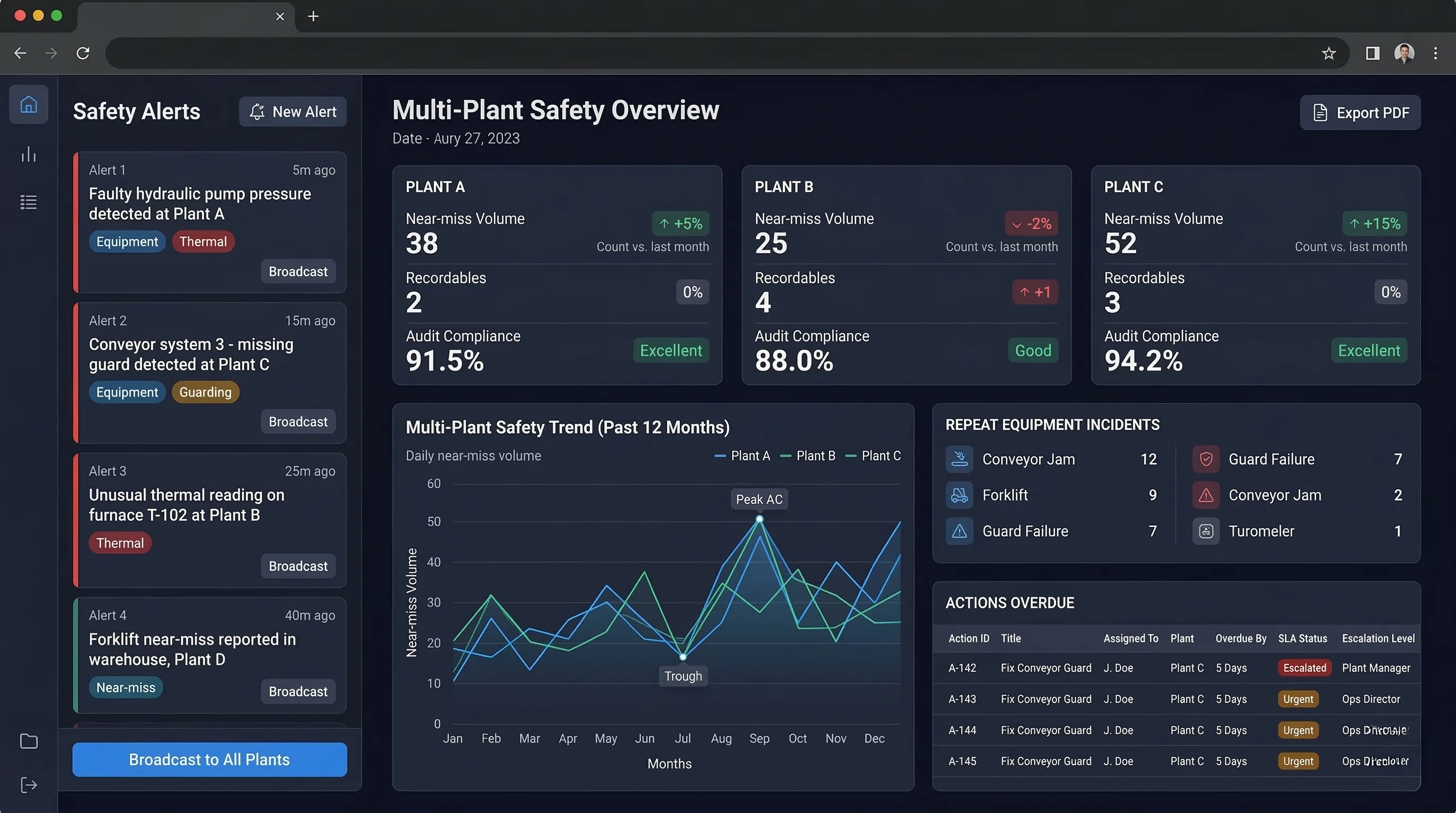
Corporate dashboard view UI

Enterprise safety alerts + cross-plant audit compliance view

Measured Outcomes

Measured Outcomes Icon

More reporting

72% increase in near-miss reporting volume

What Enabled It Mobile capture + simplified reporting
Measured Outcomes Icon

Lower incident rate

36% reduction in recordable incident rate

What Enabled It More signals + faster action closure
Measured Outcomes Icon

Faster investigations

49% faster incident investigation completion time

What Enabled It Structured investigations + linked actions
Measured Outcomes Icon

Fewer equipment repeats

28% reduction in repeat equipment-related safety incidents

What Enabled It Enterprise alerts + repeat-theme tracking
Measured Outcomes Features Icon Role-Based Access Control
Measured Outcomes Features Icon Immutable Audit Trail
Measured Outcomes Features Icon PDF/Excel Exports Available
Measured Outcomes Features Icon Offline Field Capture

Ready to build a near-miss culture that scales?

Download the one-pager summary, or request a security brief for your IT review.

Explore similar stories

Construction Worker

Unsafe condition reporting increased, and corrective actions stopped going overdue.

Read full story Link Arrow Blue Icon
Food Processing Lab

Investigation closure quality improved and audit action tracking effort dropped.

Read full story Link Arrow Blue Icon
Construction Worker

Near-miss reporting increased and audit closure improved across plants.

Read full story Link Arrow Blue Icon

Request a tailored demo

Tell us your workflows. We’ll show your time saved.

OQSHA Demo

See OQSHA on your data, not just ours

In a 30–45 minute session, we’ll map your current safety workflows inside OQSHA and help you estimate the payoff.

  • Map one workflow live (permits / incidents / inspections)
  • Get a quick ROI estimate
  • Take a security brief back to IT

We keep your data private and only use it to schedule your demo.

Before you ask IT or procurement…

Most teams ask these questions before rolling out OQSHA.

Typically 2–6 weeks, depending on sites, workflows, and data migration. Most teams start with a pilot, then scale site-by-site.
No special hardware. Use phones or tablets for field users and a laptop or desktop with a browser for admins. Optional: QR stickers for assets.
Core workflows need internet for real-time approvals, alerts, and audit trail. Offline support can be discussed based on site constraints.
Stored securely in the cloud with encryption in transit and at rest, plus role-based access controls. Deployment options can be shared on request.
© OQSHA. All rights reserved.