INDUSTRIES / SINGLE PLANT

Reduce daily follow-ups
Keep one plant
Audit-ready always

One site still means multiple teams, shifts, and contractors. OQSHA keeps permits, inspections, incidents, and training in one system—so nothing depends on “who remembers.”

01
Quick setup
Start with one workflow and expand
02
Offline First
Floor-ready even with weak connectivity
03
Role clarity
Clear owners by department and shift

Safety professional with tablet
READY WHEN ASKED

Permits Findings Actions

Built for the way work actually happens

Single plant icon

Handoffs break

Shift changes cause missed updates and unclear status.

Multi-site operations icon

Proof is scattered

Evidence sits in phones, files, and Excel trackers.

Project-based sites icon

Follow-ups drag

Actions stay “in progress” until someone escalates.

How OQSHA fits single-plant operations

Configure SOP-aligned workflows while keeping traceability automatic.

  • industry-list-iconShift-safe trails with time-stamps and ownership
  • industry-list-iconInspections linked to assets, areas, and recurring schedules
  • industry-list-iconIncidents routed to the right owner with closure evidence
  • industry-list-iconTraining records available by role and contractor group

Common use cases

The workflows teams run daily, now connected and auditable.

Manufacturing

Daily permit approvals

“Work waits for one sign-off.”

  • Clear staged approvals
  • Visibility on what’s pending and why
Explore →
Construction

Area inspections

“Checks are done, but records don’t match.”

  • Repeatable checklists
  • Evidence tied to area/date
Explore →
Energy & Utilities

Action closure

“Owners change. Actions don’t close.”

  • Ownership + reminders
  • Closure proof required
Explore →
Real Estate & Facilities

Contractor control

“Who cleared them to start?”

  • Gate-ready training status
  • Work tied to permit and role
Explore →

Proof and governance, built into daily work

Less chasing. More traceability.

Proof and governance icon

Fewer status calls

Everyone sees what’s approved, active, and pending.

Proof and governance icon

Cleaner records

Evidence stays with the workflow, not in chats.

Proof and governance icon

Closure that sticks

Actions don’t vanish after assignment.

Proof and governance icon

Audit-ready exports

Pull what you need without rebuilding reports.

Teams like yours run safer, clearer, faster.

Teams like yours in factories, building sites, big projects, consumer goods, and logistics.

TTK Prestige VOSS Robomatic Teleflex MyHome Inergy ScrapQ TRACSHA Padams ITC Limited Comer Industries Rittal L&T Waymade PLC Welspun Flooring Emballiso EMS Manafaru MYK Laticrete TTK Prestige VOSS Robomatic Teleflex MyHome Inergy ScrapQ TRACSHA Padams ITC Limited Comer Industries Rittal L&T Waymade PLC Welspun Flooring Emballiso EMS Manafaru MYK Laticrete

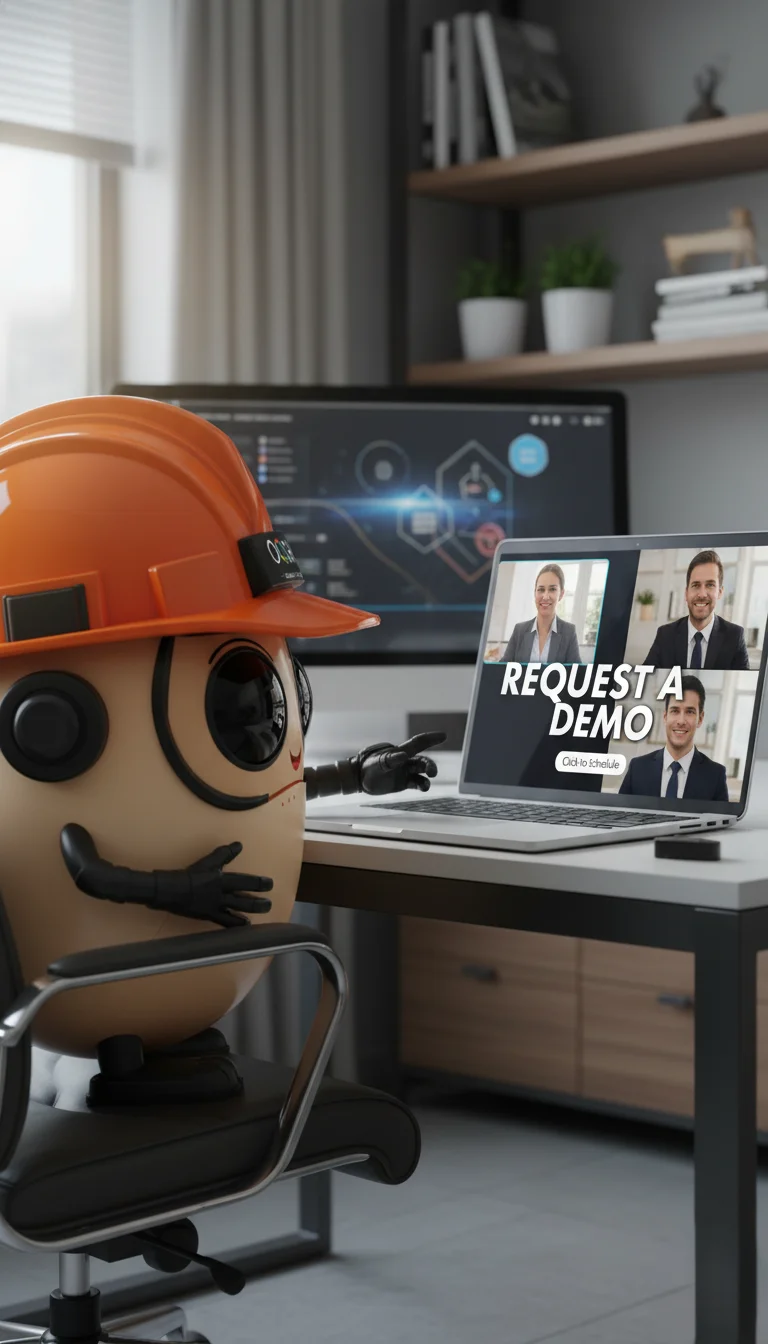
Request a tailored demo

Tell us your workflows. We’ll show your time saved.

OQSHA Demo

See OQSHA on your data, not just ours

In a 30–45 minute session, we’ll map your current safety workflows inside OQSHA and help you estimate the payoff.

  • Map one workflow live (permits / incidents / inspections)
  • Get a quick ROI estimate
  • Take a security brief back to IT

We keep your data private and only use it to schedule your demo.

Before you ask IT or procurement…

Most teams ask these questions before rolling out OQSHA.

Typically 2–6 weeks, depending on sites, workflows, and data migration. Most teams start with a pilot, then scale site-by-site.
No special hardware. Use phones or tablets for field users and a laptop or desktop with a browser for admins. Optional: QR stickers for assets.
Core workflows need internet for real-time approvals, alerts, and audit trail. Offline support can be discussed based on site constraints.
Stored securely in the cloud with encryption in transit and at rest, plus role-based access controls. Deployment options can be shared on request.
© OQSHA. All rights reserved.